Cleaning and descaling do different jobs. Cleaning removes coffee oil and milk; descaling removes mineral deposits inside the machine. Most models have separate cycles. The Bambino BES450 instead labels its maintenance program a combined clean-and-descale cycle. Check the model number before choosing buttons or chemicals: the model-by-model descaling guide covers the mineral-scale cycle.
The schedule
| Part | After every coffee | Weekly | When the machine asks (or monthly) |
|---|---|---|---|
| Steam wand | Purge, wipe, purge again | Check the tip holes | Soak the tip; clear holes with the pin tool |
| Portafilter and basket | Knock out, rinse, wipe dry | Soak in hot water | Soak with a cleaning tablet dissolved in hot water |
| Group head and shower screen | Run a short flush of water | Wipe the gasket with a brush | Cleaning cycle with a tablet (steps below) |
| Drip tray | Empty when the float shows | Wash | Wash |
| Water tank | Top up with fresh water | Rinse and refill | Replace the filter on its date |
| Built-in grinder | Brush the chute | Empty and brush the burrs | Clean the upper burr (see below) |
The cleaning cycle, model by model
The tablet-cleaning models below use their supplied cleaning disc and an espresso cleaning tablet, with the water tank full and the drip tray empty. The Bambino BES450 has a different maintenance program; do not give it the Plus model's tablet-cycle instructions.
Barista Express and Barista Express Impress
For the Express BES870, use the cleaning-cycle instructions supplied with that model. Do not assume the Impress's hold time is interchangeable.
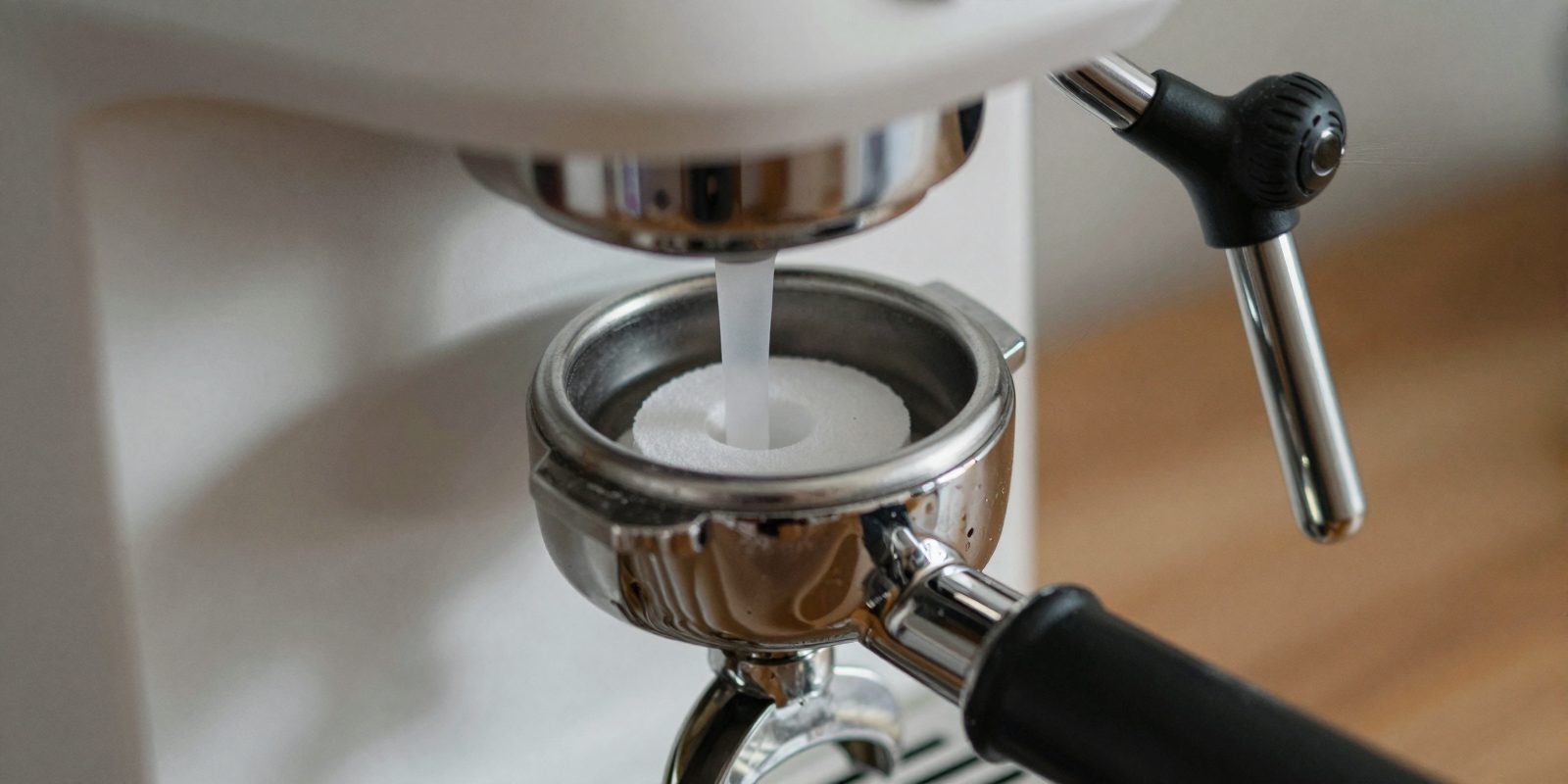
The Australian Express Impress BES876 manual specifies a 1-cup basket, the supplied cleaning disc and one espresso cleaning tablet. With a full tank, empty tray and the machine off, hold 1-CUP, 2-CUP and POWER together for three seconds. The cycle takes about five minutes. Check that the tablet has dissolved, then remove the disc and use 2-CUP to rinse as the manual directs.
Barista Pro
The screen shows FLUSH when a cleaning cycle is due.
- Disc and tablet in the basket, portafilter locked in, tank full, tray empty.
- Press MENU, turn the GRIND AMOUNT dial to FLUSH and press to select. The 1-CUP button lights.
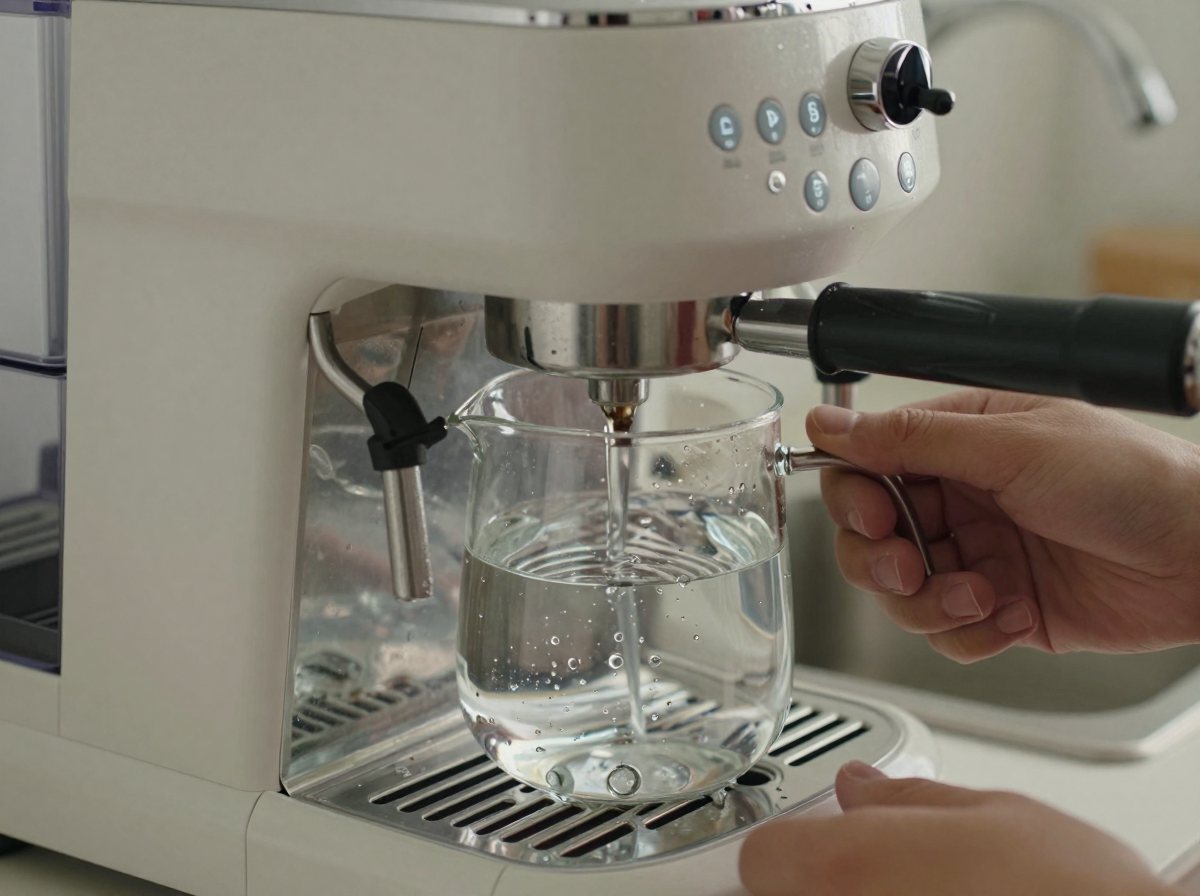
- Press 1-CUP to start. When it finishes, rinse the portafilter and run water through the group head.
Barista Touch and Barista Touch Impress
Choose the cleaning cycle from Settings on the touchscreen and follow the prompts; the steps are the same as above (disc, tablet, full tank, empty tray).
Bambino Plus BES500
Breville's Australian manual shows alternating 1-CUP and 2-CUP lights after 200 extractions. This tablet flushing cycle is separate from descaling.
- Disc and tablet in the portafilter, locked in. Empty the tray, put a 2-litre container on it with the steam wand inside, and fill the tank to MAX.
- Hold 1-CUP and 2-CUP for 5 seconds to enter the prompted cleaning mode.
- When both cup lights stay on, press either cup button to begin. Rinse the removed parts after completion.
To enter before an alert, the same manual gives a different shortcut: with all lights off, hold 2-CUP and STEAM for five seconds. Use the instructions for your exact regional model and manual revision.
Bambino BES450
The BES450 manual specifies a combined clean-and-descale program, triggered by a continuously flashing 2-CUP light. Follow its descaler and rinse instructions in the Bambino BES450 section. The Plus's cleaning disc, tablet program and button combinations are not interchangeable with this model.
Dual Boiler
The BES920 manual gives a CLEAN ME alert and a tablet cycle using its supplied cleaning disc. Press MENU until CLEAN CYCLE and PUSH appear, then press MANUAL to start. The manual also describes a separate clear-water backflush with the supplied disc. Follow that model-specific procedure; basket diameter alone does not tell you whether backflushing is permitted. See the distinction between rinsing and backflushing.
Oracle range
On the Oracle BES980, use MENU and the SELECT dial to choose and start CLEAN CYCLE. The Oracle Touch BES990 and Oracle Jet BES985 use their touchscreen cleaning guide. These tablet cycles clean the brew path.
The grinder outlet and removable tamping fan need separate physical cleaning as described in each model's manual; the brew cleaning program does not brush those parts for you. Switch off and unplug before removing grinder parts, then refit them correctly before use.
The steam wand: the part that matters most
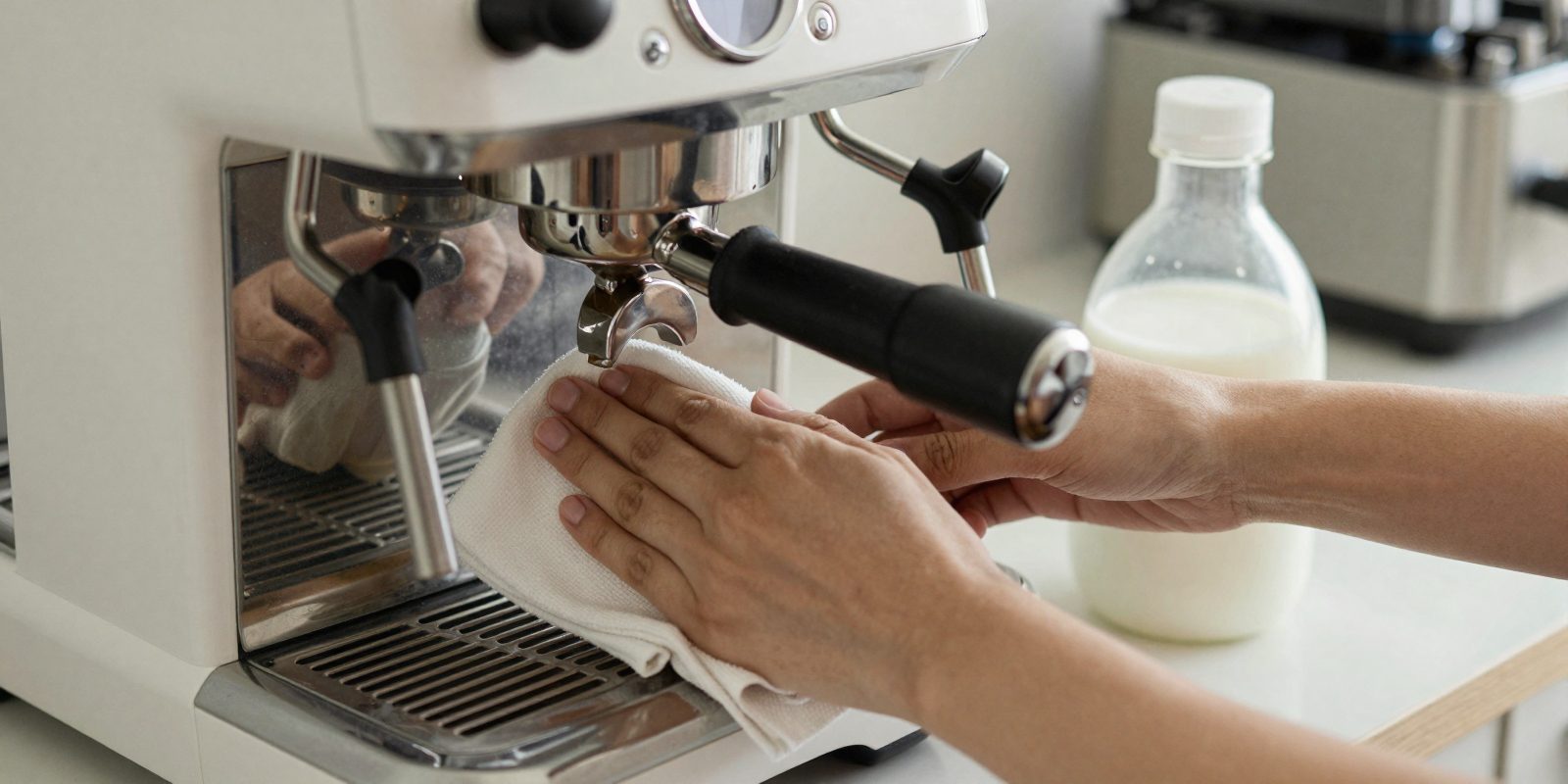
Milk residue can block the tip and reduce frothing performance. After each milk drink, wipe the wand with a clean damp cloth and purge as your model directs. Automatic wands have their own cleaning prompts; keep clear of the hot steam while the purge runs.
For a blocked tip, stop steaming and use your model's supplied cleaning tool and tip-cleaning instructions. Some models specify a hot-water soak, while Oracle models may specify steam-wand cleaning powder or an on-screen guide. Refit the tip securely before purging.
The grinder (machines with one built in)
Old coffee oil goes rancid and makes fresh beans taste stale. Every week or two, run the hopper empty, unplug the machine, lift out the hopper and the upper burr (Breville's instructions show the clip or handle for your model), brush both burrs and the chute with a dry brush, and refit. Never wash burrs with water.
Common questions
What button do I press to clean my Breville?
Check your model and whether its maintenance alert is showing. The Barista Pro uses FLUSH in its menu. The Bambino Plus's prompted tablet cycle uses 1-CUP and 2-CUP held for five seconds, followed by either cup button. The basic Bambino BES450 has its own combined clean-and-descale program.
How do I deep clean my Breville espresso machine?
Follow the model's brew-cleaning program, rinse the removable parts, clean the wand and grinder as directed, and descale when due. The Bambino BES450 has a combined clean-and-descale program; do not give it a Plus tablet cycle.
Can I use white vinegar to descale my Breville coffee machine?
Breville recommends its own descaler or one made for espresso machines rather than vinegar. Vinegar is hard to rinse out and can be harsh on seals.
Can I use any cleaning tablet in a Breville?
Use tablets made for espresso machines (Breville's own, or espresso cleaning tablets such as Australia's Cafetto). Do not use dishwasher tablets.
Why does my coffee taste bitter even after cleaning?
Check the grinder for old coffee oil, the freshness of your beans and the grind setting. Cleaning does not correct an unsuitable dose or extraction.
Sources
- Breville, Barista Express Impress: how to perform a cleaning cycle
- Breville Australia, the Bambino Plus: how to perform a cleaning cycle
- Breville Australia, the Barista Pro: how to perform a cleaning cycle
- Breville Australia, Barista Express Impress: how to clean and unblock the steam wand
- Appliances Online, how to perform a cleaning cycle on your Breville espresso machine
- Breville Australia, Bambino Plus BES500 instruction book, care and cleaning page 15
- Breville Australia, Bambino BES450 instruction book, care and cleaning page 16
- Breville Australia, Barista Express Impress BES876 instruction book
- Breville Australia, Barista Pro BES878 instruction book
- Breville Australia, Dual Boiler BES920 instruction book
- Breville Australia, Oracle BES980 instruction book
- Breville Australia, Oracle Touch BES990 instruction book
- Breville Australia and New Zealand, Barista Touch Impress BES881 instruction book
- Breville Australia and New Zealand, Oracle Jet BES985 instruction book
- Breville Australia, Barista Express BES870 descale tutorial